

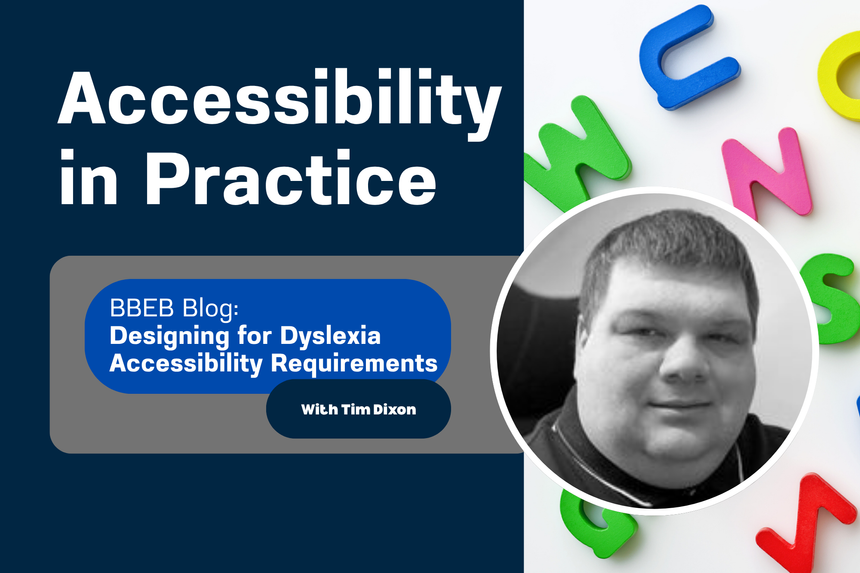
October is Dyslexia Awareness Month, a time to celebrate neurodiversity and to recognise that the way people read, learn, and process information is not one-size-fits-all. Dyslexia affects roughly one in ten people worldwide. It can make reading, spelling, and writing more challenging, yet it also often brings strengths in problem-solving, spatial reasoning, and creativity.
For designers and developers, this month is a reminder that accessibility is not just about compliance—it’s about clarity, flexibility, and respect for different ways of understanding information. By following a few practical principles, we can make digital content easier to read and more comfortable for everyone.
These six requirements, adapted from Designing for Dyslexia Accessibility Requirements by the Access-Ability newsletter, are a great place to start.
1) Use tools like HelperBird to adjust spacing when testing
Dense text can be exhausting to read. Adjusting line, word, and letter spacing makes a huge difference. Tools such as HelperBird let you simulate these changes to see how your layout behaves. Your site should not prevent users from increasing spacing or line height, as required by WCAG 2.2’s Text Spacing success criterion.
2) Combine magnification, spacing adjustments, and reflow
Magnifying text alone can still make reading difficult if lines are too long or content overflows off-screen. Combine text enlargement with additional spacing and ensure everything reflows properly. Users should not need to scroll horizontally to read. This aligns with WCAG 2.2’s Resize Text and Reflow requirements and benefits anyone using larger fonts or small screens.
3) Reduce glare with softer color combinations
Strong black text on a bright white background can create glare and visual stress. Choose high-contrast combinations that remain WCAG AA compliant but use slightly softer tones. Off-white backgrounds or dark grey text can preserve readability while reducing eye strain. Avoid patterned or image-based backgrounds that interfere with text clarity.
4) Make informed font choices
There is no single font that works for everyone with dyslexia, but clear sans-serif options such as Arial, Verdana, or Tahoma are good starting points. Fonts like Atkinson Hyperlegible, designed for greater character distinction, can also help. Avoid italics, as they distort letter shapes, and use bold for emphasis instead. Ensure links and visited links are visually distinct without relying on color alone.
5) Structure layouts for readability
Left-align text so readers have a consistent starting edge. Avoid center or right alignment, which can make it harder to track lines. Limit line length to around 45 to 75 characters, and use sufficient spacing between paragraphs. Keep content in a single column where possible to prevent tracking loss. Predictable, consistent layouts make reading smoother and reduce fatigue.
6) Remember that many dyslexic users rely on screen readers
Screen readers are not only used by blind people. Many people with dyslexia listen to text to support comprehension and reduce eye strain. Using proper headings, alt text, and semantic HTML helps screen reader users navigate easily and keeps content accessible to a wider audience.
Final thoughts
Designing for dyslexia is about making reading easier, not different. Adjust spacing, allow flexible magnification, reduce glare, choose readable fonts, and build consistent layouts. Support assistive technology and never assume reading happens visually for everyone.
When you design for dyslexia, you make content more usable for every reader.
Read the original post: Designing for Dyslexia Accessibility Requirements.
/Passle/60211dc9e5416a0c14bc63d4/MediaLibrary/Images/2024-07-25-19-34-58-437-66a2a8e2012a075bf2d3886e.jpg)
/Passle/60211dc9e5416a0c14bc63d4/SearchServiceImages/2026-08-28-21-08-00-332-6a91f8b0de355275bbc2047e.jpg)
/Passle/60211dc9e5416a0c14bc63d4/SearchServiceImages/2026-09-01-19-40-59-331-6a972a4bf9386af8ea707113.jpg)
/Passle/60211dc9e5416a0c14bc63d4/SearchServiceImages/2026-09-03-11-57-48-238-6a9960bc7466c353608a92a5.jpg)